Minimal AI coding agent for the terminal
Written in Rust with Crossterm, centered on one lua tool in a persistent Lua 5.4 VM, with both a full-screen TUI and tuse json editor protocol.
curl -fsSL https://raw.githubusercontent.com/ethanhamilthon/tuse/main/release/install.sh | sh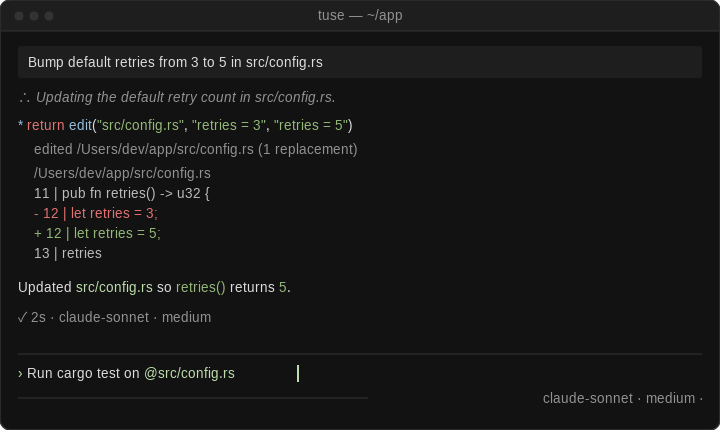
Core capabilities
One tool: lua
Persistent Lua 5.4 VM with read, write, edit, append, delete, grep, sh, sleep, and spawn coroutines; diffs shown automatically with no output truncation.
TUI and tuse json
Full-screen terminal UI with Markdown and pickers (/ commands, # prompts, @ files), plus a JSON-RPC 2.0 stdio mode sharing the same SQLite sessions (~/.tuse/tuse.db).
Lua config & plugins
Plain Lua tables for hooks, custom slash commands, helpers, file openers, a 10-token theme, and Git or local plugins with live /reload.
Lean context
Small built-in system prompt, 50/25/25 context compaction, and automatic retries for rate limits and transient errors.
Quick start
-
1.Install the binary (macOS 11+, Linux glibc 2.35+):
curl -fsSL https://raw.githubusercontent.com/ethanhamilthon/tuse/main/release/install.sh | sh -
2.Connect an OpenAI-compatible provider:
tuse connect --base https://api.openai.com/v1 --key '$OPENAI_API_KEY' --name openai -
3.Launch
tuseand choose a model and effort with/models. See the documentation for providers, config, and plugins.